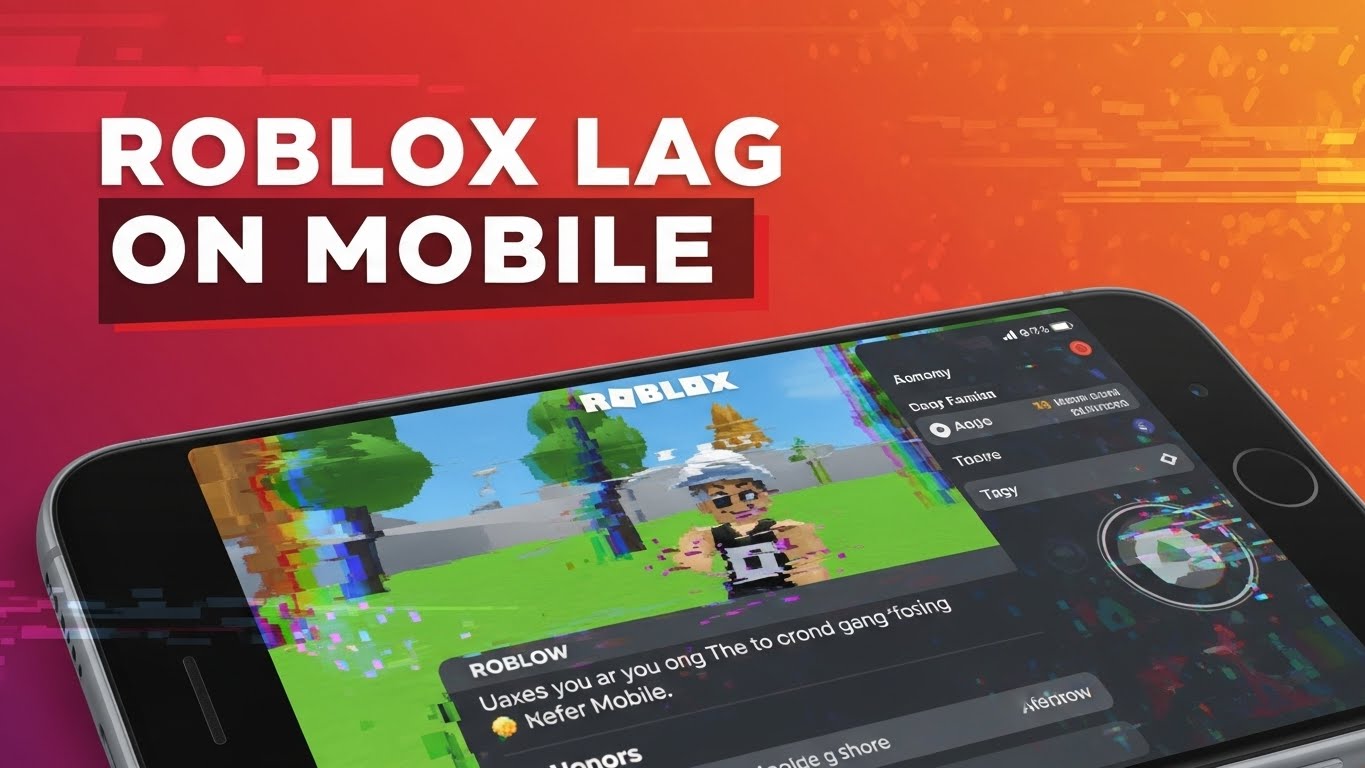
Roblox lag on mobile is a common problem, especially for beginners playing on Android or iPhone. Lag can make the game slow, unresponsive, or even unplayable – ruining the gaming experience.
In this guide, you’ll learn why Roblox lags on mobile devices and how to fix it step by step, even if you’re new to Roblox.
Why Does Roblox Lag on Mobile?
Roblox lag usually happens because your phone struggles to handle the game or connect smoothly to Roblox servers.
Common Causes of Roblox Lag on Mobile
- Weak or unstable internet connection
- Low-end or older mobile devices
- Too many background apps
- High graphics settings
- Overheating phone
- VPN usage
Understanding the cause helps you apply the right fix.
How to Fix Roblox Lag on Mobile (Step by Step)
Try these solutions in order. Most players fix lag after the first few steps.
Solution 1: Check Your Internet Connection
A stable connection is more important than fast speed.
- Use Wi-Fi instead of mobile data if possible
- Restart your router
- Avoid playing on public Wi-Fi
📌 Tip:
Roblox performs best on stable, low-latency networks.
Solution 2: Close Background Apps
Too many apps running can slow your phone.
- Close unused apps
- Restart your phone before playing
- Avoid screen recording while gaming
Solution 3: Lower Roblox Graphics Settings
Lower graphics can dramatically reduce lag.
Steps:
- Open Roblox
- Join a game
- Open Settings
- Set Graphics Mode to Manual
- Lower the graphics level
This is one of the most effective fixes for mobile lag.
Solution 4: Turn Off VPN (Very Important)
VPNs often cause:
- High ping
- Connection instability
- Roblox errors
Disable VPN completely before playing Roblox.
Solution 5: Clear Roblox Cache (Android)
Steps for Android:
- Go to Settings
- Apps → Roblox
- Storage → Clear Cache
⚠️ Do not clear data unless necessary.
Solution 6: Update Roblox and Your Phone
Outdated software can cause lag.
- Update Roblox from Play Store / App Store
- Update your phone system if available
Solution 7: Avoid Heavy Roblox Games
Some Roblox games are more demanding.
Beginner-friendly games with better performance:
- Brookhaven
- Adopt Me
- Simple obby games
Heavy games may lag on older phones.
Does Roblox Lag Mean Your Phone Is Too Weak?
Not always.
Roblox can lag even on good phones if:
- Internet is unstable
- Too many apps are running
- Graphics settings are too high
However, very old or low-RAM devices may struggle with complex games.
How to Prevent Roblox Lag in the Future
Follow these habits:
- Restart your phone regularly
- Keep Roblox updated
- Play on stable Wi-Fi
- Avoid VPNs
- Use low to medium graphics
These steps help keep Roblox smooth long-term.
Roblox Lag vs Roblox Error Code 279
Lag is different from connection errors.
- Lag: Game is slow but still loads
- Error Code 279: Game fails to connect
👉 If your game won’t load at all, read: How to Fix Roblox Error Code 279
Roblox Lag Tips for Beginners
If you’re new to Roblox, start with this guide first:
👉 How to Play Roblox for Beginners (Complete Guide)
Understanding basics helps avoid performance issues early.
Frequently Asked Questions (FAQ)
Why is Roblox lag on my phone but not on PC?
PCs usually have better hardware and more stable connections than phones.
Does lowering graphics really help?
Yes. It’s one of the most effective ways to reduce lag.
Can Roblox lag be fixed completely?
In most cases, yes – especially by improving internet and settings.
Conclusion
Roblox lag on mobile is frustrating, but it’s usually easy to fix. By adjusting graphics settings, improving your internet connection, and closing background apps, you can enjoy smoother gameplay – even on older devices.
If you still experience problems, try simpler games or check Roblox server status.